Features of this hunting camera (part 1/3)
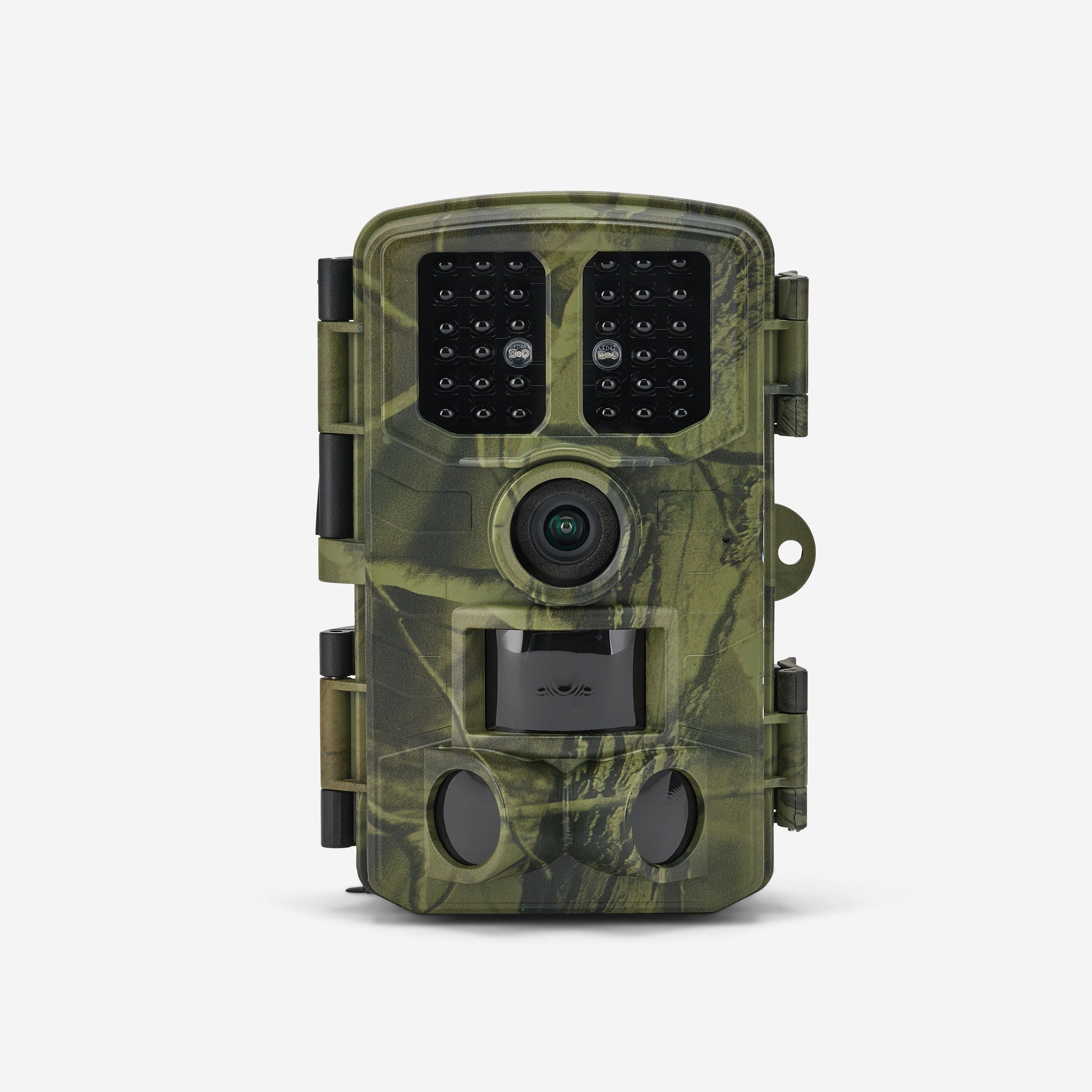
Shooting angle: 84°.
Wide detection angle: 120° in total.
Shutter speed: 0.3 seconds.
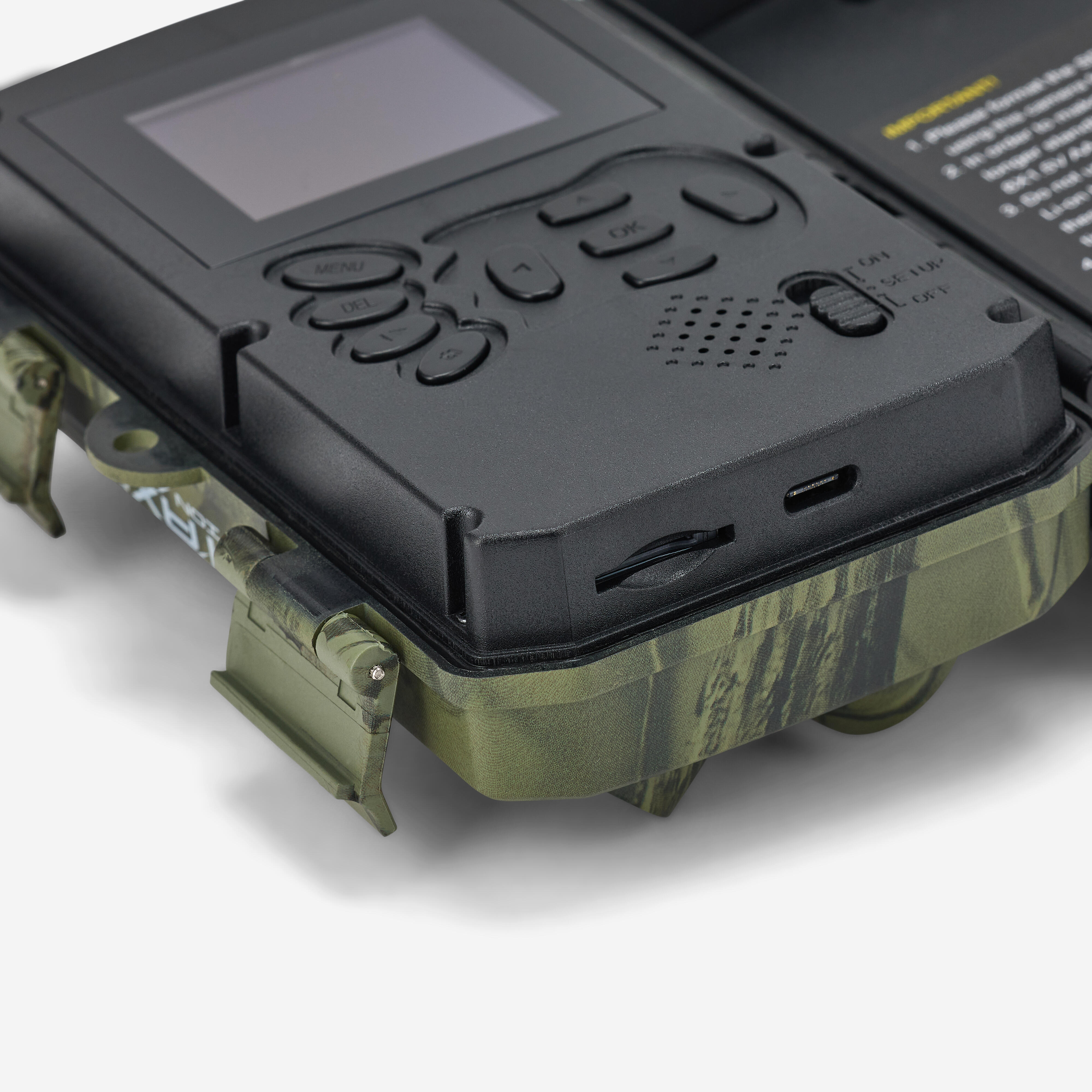
Micro SD card: 512 GB max (class 10 minimum). Not provided.
choose from 3 capture modes:
Photo: 1 to 5 photos per detection.
Video: configurable duration from 5 sec to 10 min.
Photo + Video: 1 photo then 1 video are captured per detection.
Designed to be weatherproof (IP65).
Compatible with external power sources (power supply or solar panel).
Further details on the PIE1077 (part 2/3)
The infrared flash on this model is invisible for photos and videos at night. Here are some details you should know:
-34 invisible black LEDs
-wavelength: 940 nm
-adjustable infrared flash range: short, medium, long
-maximum flash range: approx. 20 metres
-infrared flash with automatic activation depending on brightness
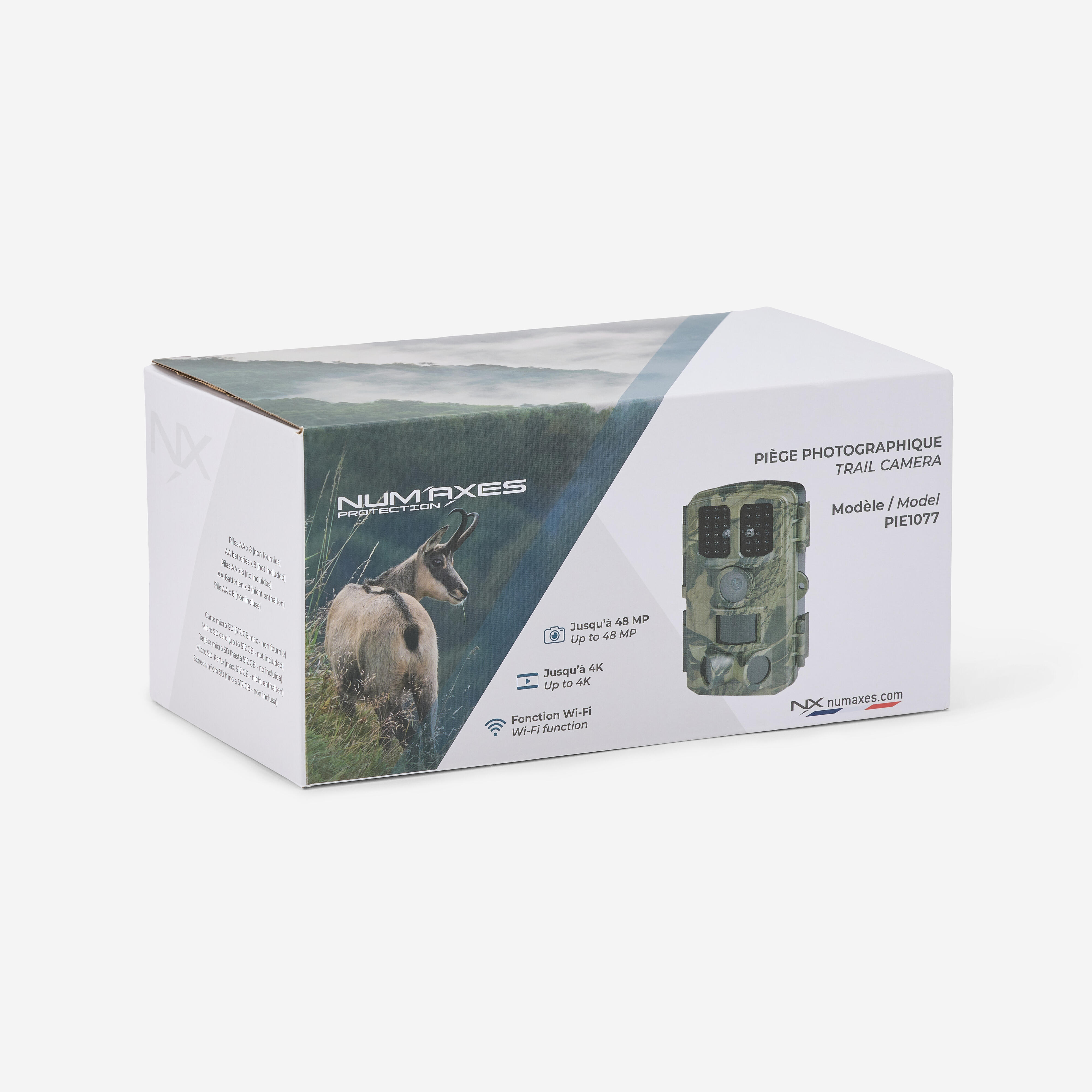
Photo resolution: configurable up to 48 MP
Photo format: JPG
Video resolution: up to 4K
Video format: AVI
Additional information (part 3/3)
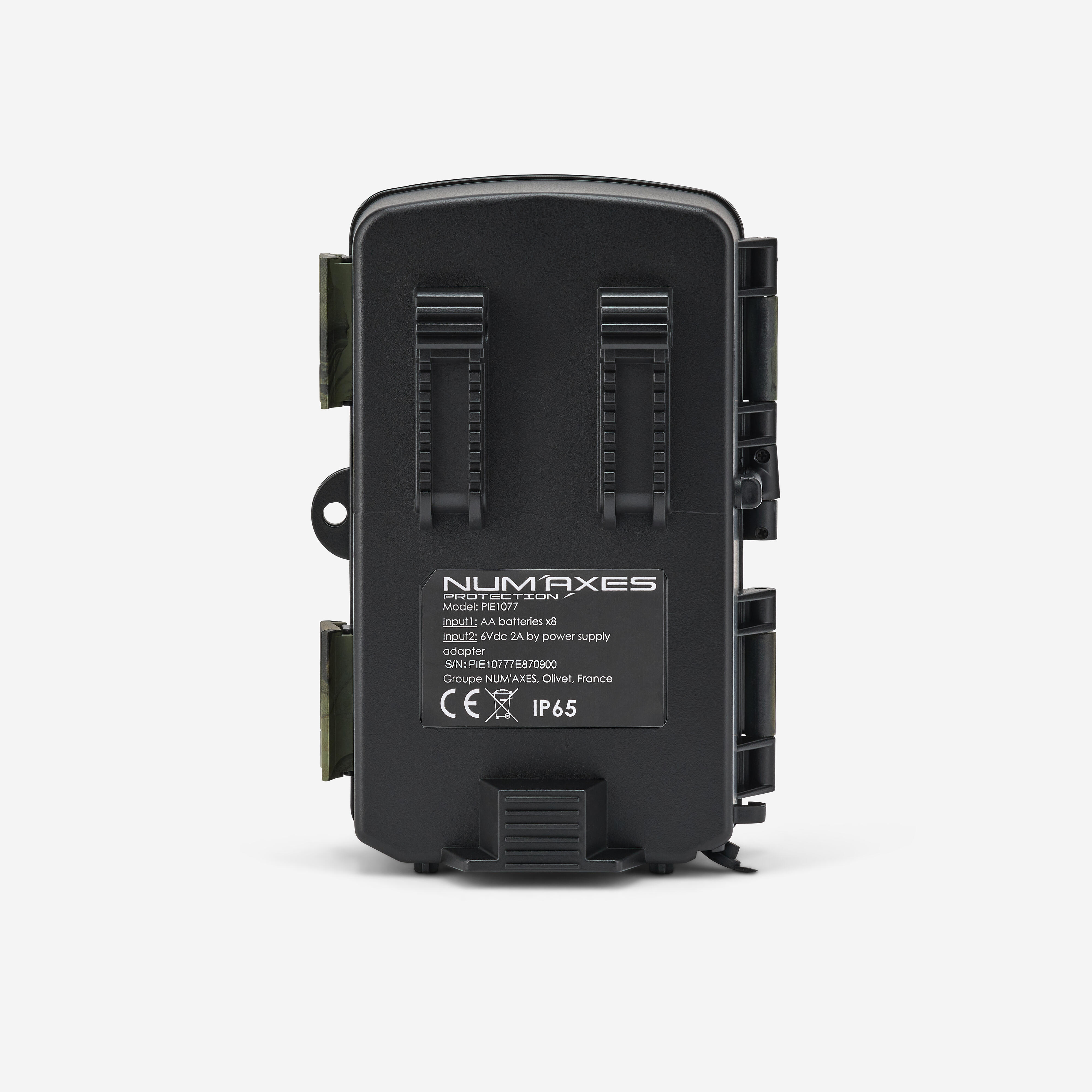
Weight: 277 g without batteries / 465 g with batteries.
Dimensions: 141 x 96 x 84 mm.
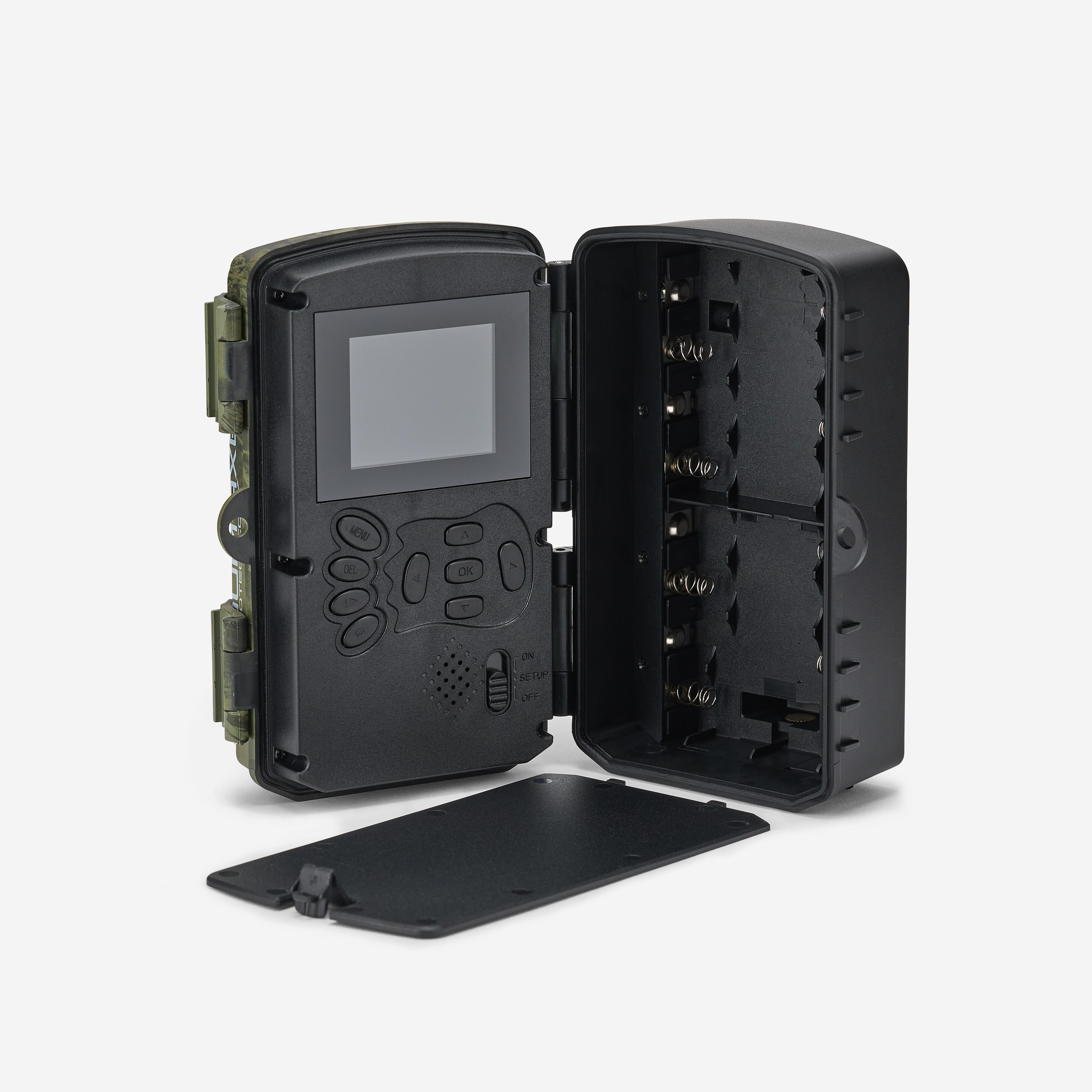
Power: 8 AA batteries (alkaline, lithium or rechargeable Ni-MH – not included).
Compatible with external power sources (6 V/2 A).
2.0" TFT colour LCD screen.
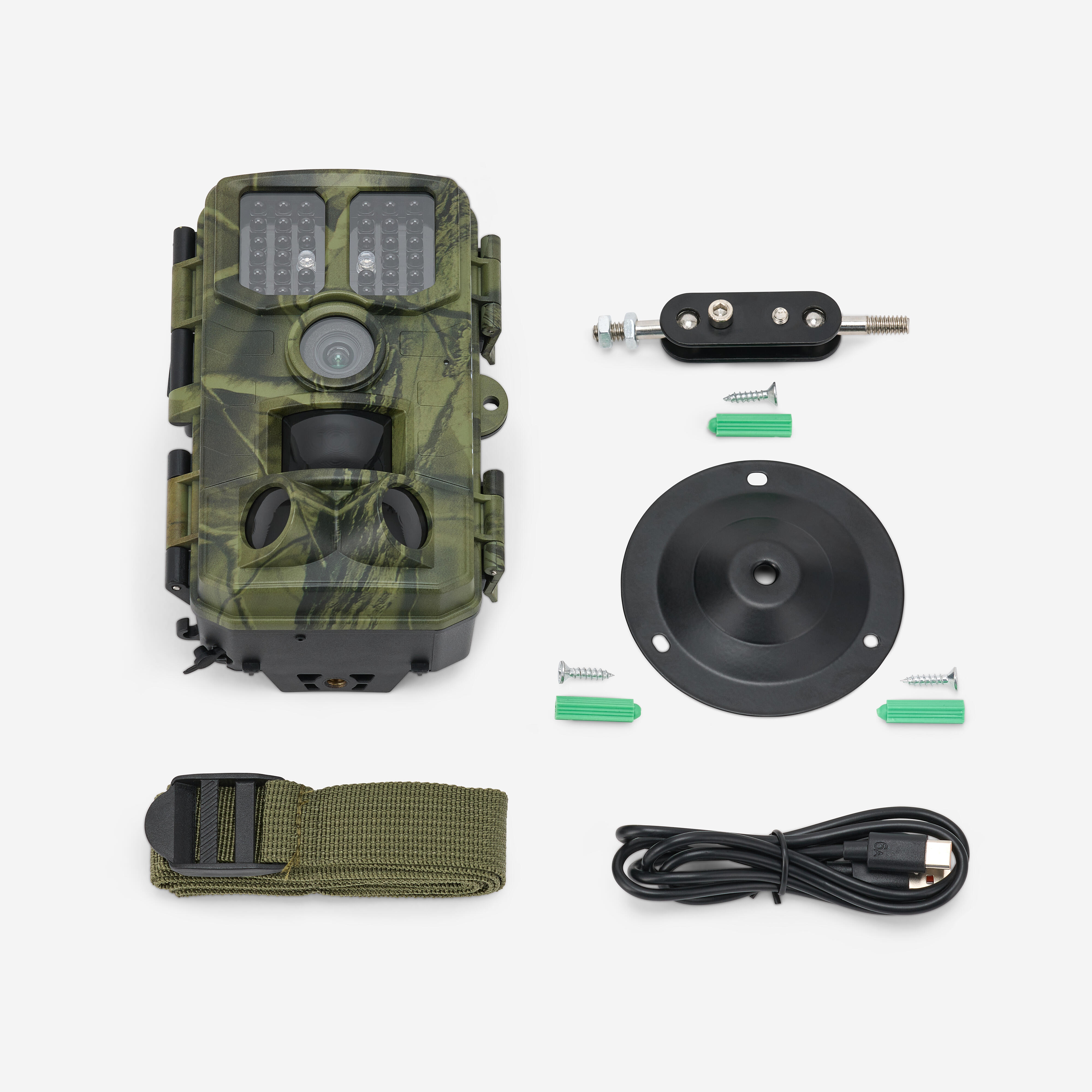
USB Type-C port for downloading files (download cable supplied).
PIR sensors (motion and heat detectors).
1 central sensor + 2 side sensors.
Adjustable detection sensitivity: Low | Medium | High.
Camera trap with Wi-Fi function
Using the free TrailCam Go app (available on Android and iOS), you can remotely:
-view, download or delete recorded photos and videos
-take photos or videos
-change product settings
-check remaining power and memory capacity
The device essentially creates its own Wi-Fi network: you don’t need to be near a router. The Wi-Fi function is activated via Bluetooth from a smartphone.
More details on the 3 operating modes (part 1/2)
Motion detection mode: the camera takes photos and/or videos when the PIR sensors (motion/heat detectors) detect activity in the area they cover.
Time Lapse Mode: photos or videos are taken automatically at regular, user-defined intervals. Here, the PIR sensors are deactivated (no motion/heat detection). If you set the interval to 30 minutes, the camera will take a photo or video every 30 minutes.
Let’s take a look at the third mode (part 2/2)
The final mode is Time Lapse + video. The camera automatically takes photos at regular user-defined intervals, then generates a video from the photos taken. In this mode, the PIR sensors are deactivated (there is no motion/heat detection). If you set the interval to 30 minutes, the camera will automatically take a photo every 30 minutes.
Which settings are configurable?
Configurable trap operating schedule: the device can be set to operate 24 hours a day or only during a time slot defined by the user.
Configurable device name: useful for users with several devices, as it lets you know on which device (and therefore where) a photo was taken.
The password can also be set.
Configurable settings on the PIE 1077 hunting camera (continued)
Photo timestamp: if set to ON, the following information is stamped at the bottom of the photos: date and time the photo was taken, ambient temperature, moon phase, battery level and camera name (if set).
Loop recording: if set to ON, when the memory card is full, the camera will continue to record new photos/videos while deleting the oldest photos/videos.
Our installation tips (part 1/2)
1/ Install the device at a height of approx. 1.5 m/2 m, angled slightly downward. Choose a north or south-facing orientation. Do not point the camera east or west, as sunrise and sunset can cause false triggers, resulting in overexposed images.
2/ To monitor a trail, point the camera along the trail rather than perpendicular to it. This allows several animals to be seen at once if they pass in a line
Final words of advice on how to set up this camera trap
3/ Avoid mounting the device on a weak tree that may sway in strong winds. Choose a solid, stable surface.
4/ Clear away any branches or weeds in front of the camera. In windy conditions or high temperatures, they could cause false triggers.
5/ Check the battery status before installing the device.
6/ Insert the memory card.
7/ Check that the date and time are correct.
8/ Turn the selector switch to the "ON" position before you leave.