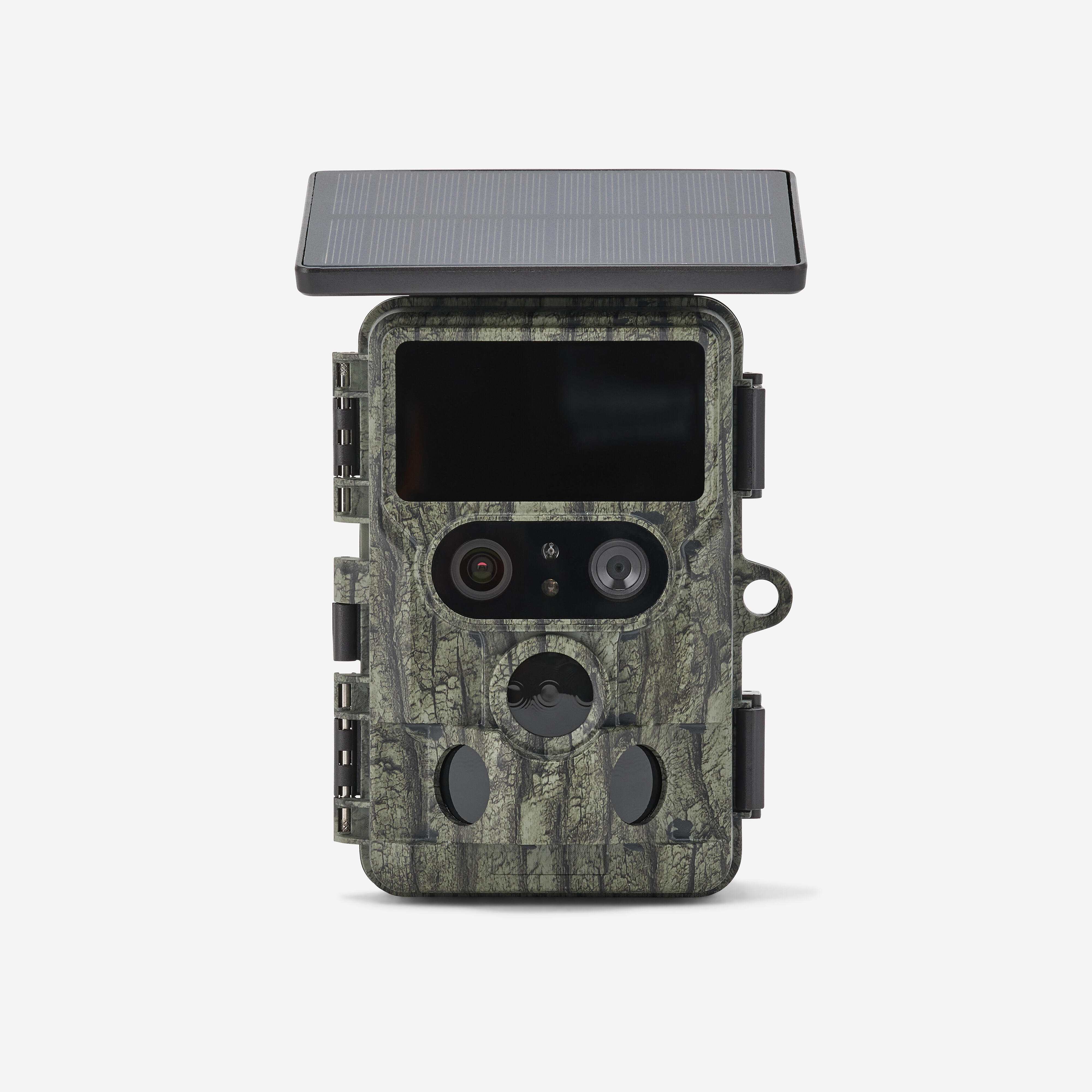
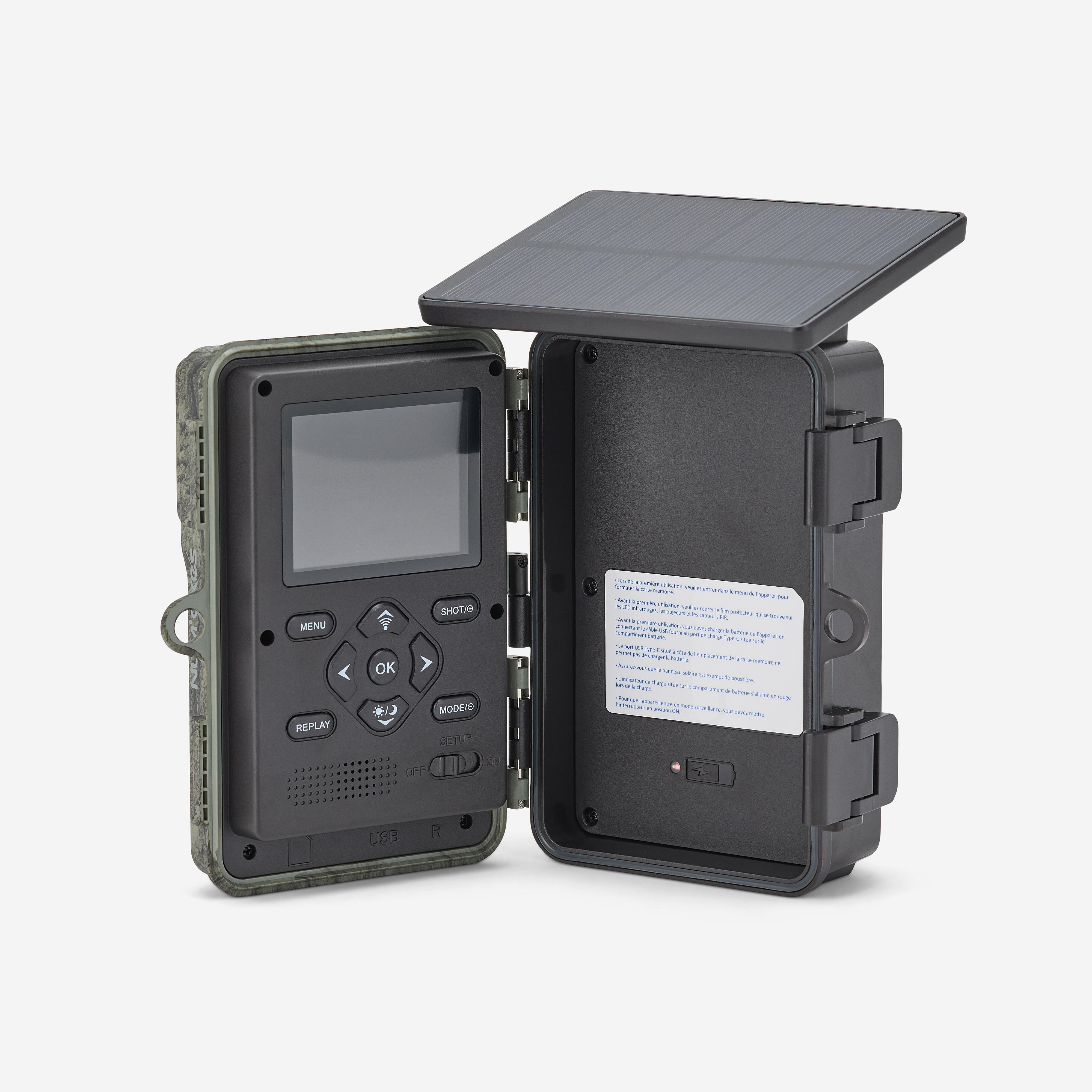
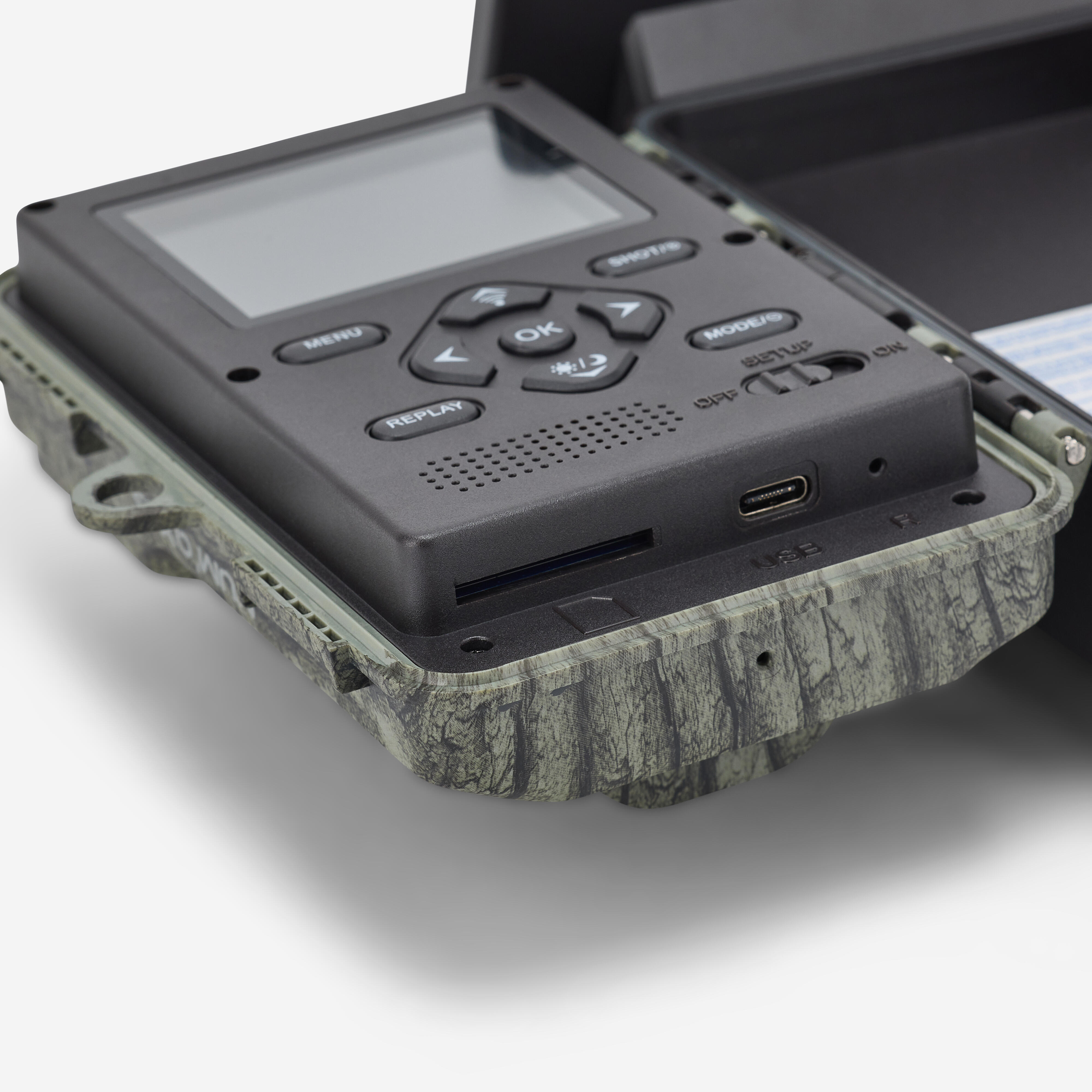
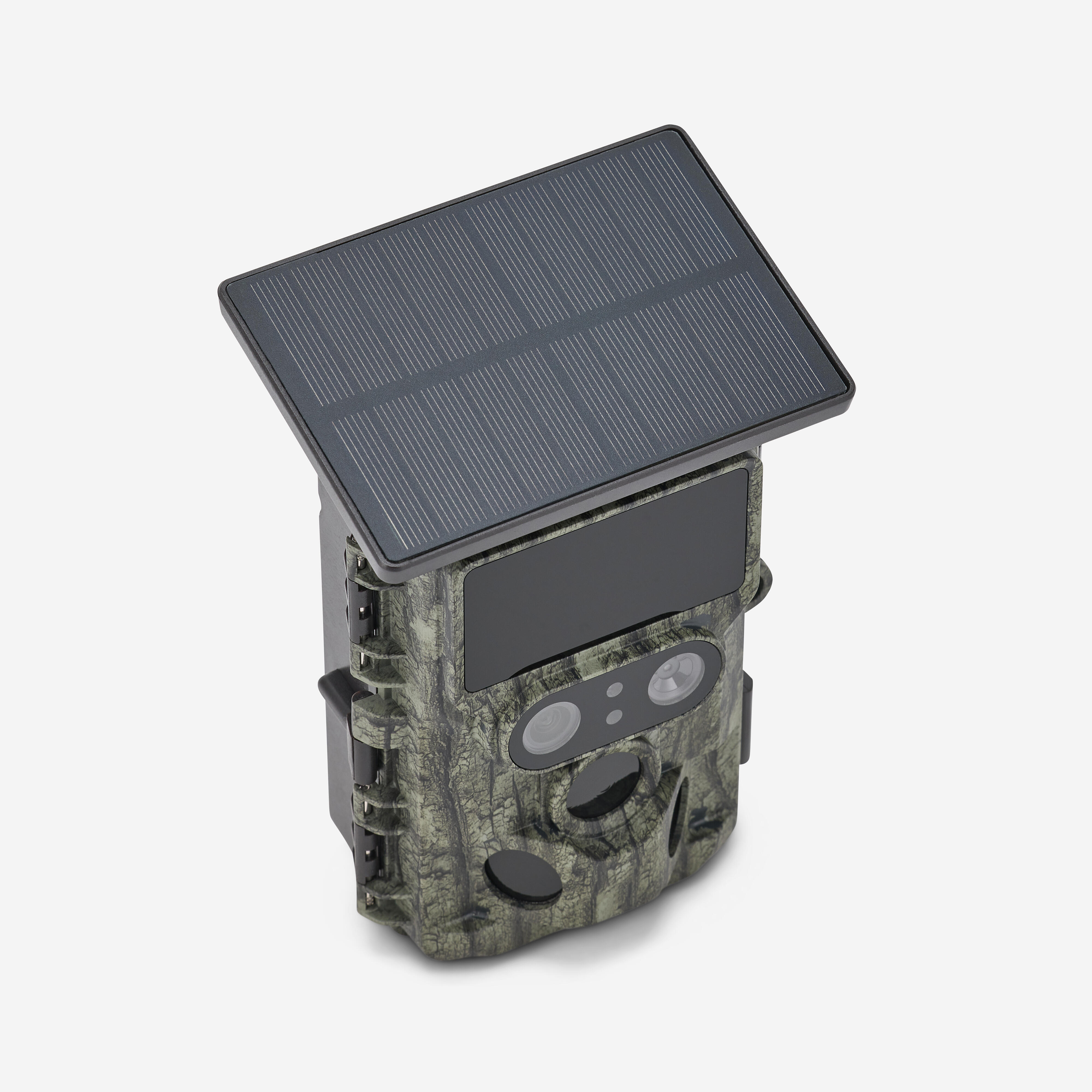
Features of this hunting camera (part 1/3)
With day lens:
-photo resolution: up to 60 MP
-video resolution: up to 4K
-field of view: 80°
With night lens:
-photo resolution: up to 4 MP
-video resolution: up to FULL HD
-field of view: 93°
Wide detection angle: 120° in total.
Shutter speed: 0.3 seconds.
Micro SD card: 256 GB max (U1, class 10 minimum). Not provided.
Designed to be weatherproof (IP66).
Further details on the PIE1073 (part 2/3)
3 capture modes:
Photo: 1 to 10 photos per detection.
Video: configurable duration from 5 sec to 3 min.
Photo + Video: 1 photo then 1 video are captured per detection.
Infrared flash:
2 high-intensity invisible infrared LEDs | Wavelength: 950 nm.
Flash range: approx. 20 m.
Infrared flash automatically activates according to brightness level.
Adjustable infrared flash power: Auto | Medium | Low | OFF.
Photo format: JPEG
Video format: MPEG-4
Additional information (part 3/3)
Weight: 454 g.
Dimensions: 163 x 112 x 77.5 mm.
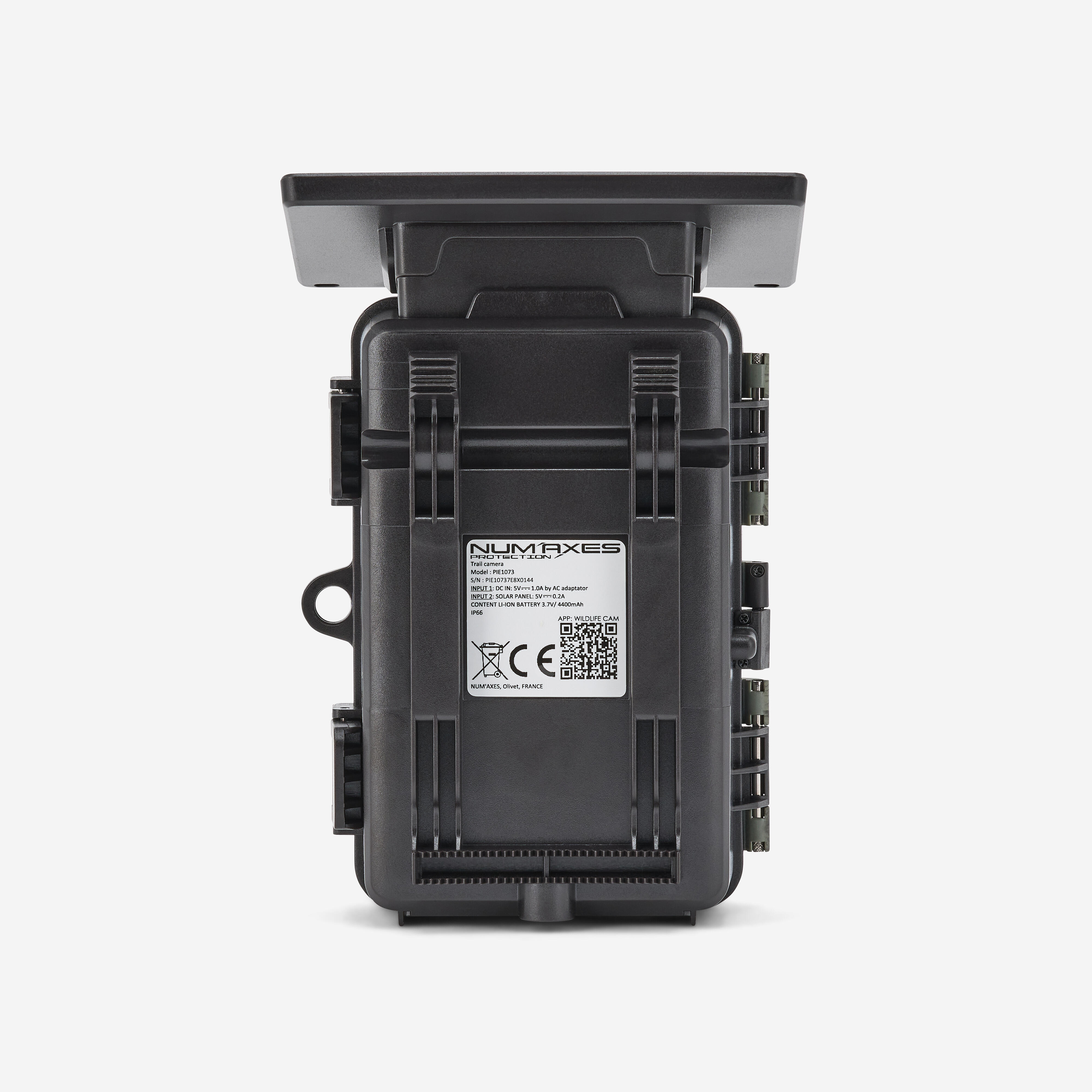
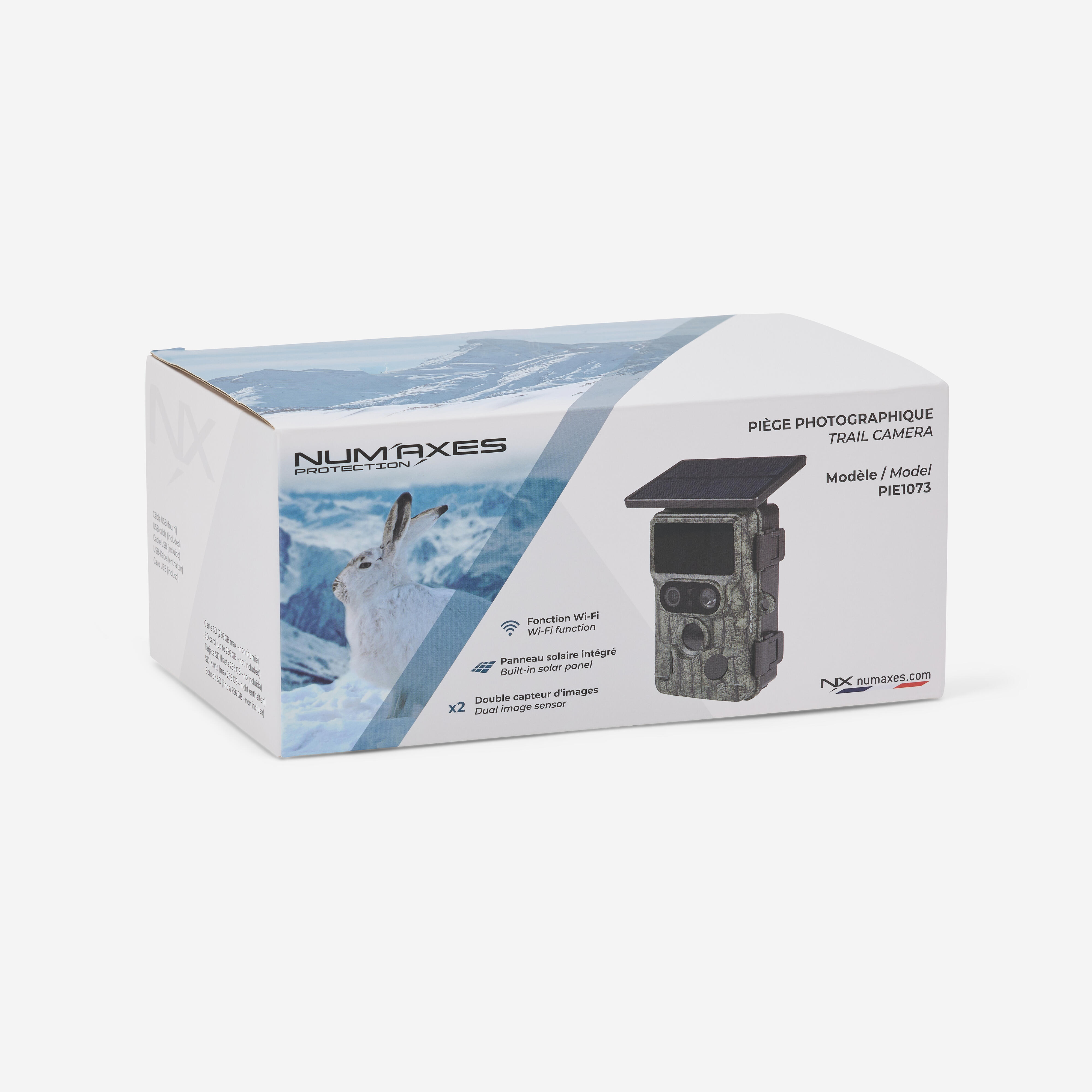
Power: integrated solar panel + built-in rechargeable battery (3.7 V-4400 mAh).
LCD screen: 2.4″ (6 cm) colour TFT screen | 320 x 240 (RGB)
2 USB Type-C ports: 1 port for downloading photo and video files | 1 port for charging the built-in battery.
3 PIR sensors (motion and heat detectors): 1 central sensor + 2 side sensors (can be deactivated).
Adjustable detection sensitivity: High | Medium | Low.
More info about the Wi-Fi function of this camera trap
Using the free WILDLIFE CAM app (available on Android and iOS), you can remotely:
-view, download or delete recorded photos and videos
-take photos or videos
-change product settings
-check remaining power and memory capacity
The device essentially creates its own Wi-Fi network: you don’t need to be near a router. The Wi-Fi function is activated via Bluetooth from a smartphone.
More details on the 3 operating modes (part 1/2)
PIR detection mode: the camera takes photos and/or videos when the PIR sensors (motion/heat detectors) detect activity in the area they cover.
Time Lapse Mode: photos and/or videos are taken automatically at regular, user-defined intervals. Here, the PIR sensors are deactivated (no motion/heat detection). If you set the interval to 30 minutes, the camera will take a photo or video every 30 minutes.
Let’s take a look at the third mode (part 2/2)
The final mode is Time Lapse + video. The camera automatically takes photos at regular user-defined intervals, then generates a video from the photos taken. In this mode, the PIR sensors are deactivated (there is no motion/heat detection). If you set the interval to 30 minutes, the camera will automatically take a photo every 30 minutes.
Adjustable device settings
Configurable shutter speed: 1/15 | 1/20 | 1/30.
Video recording with or without sound: ON | OFF.
Operating schedule: the device can be set to operate 24 hours a day or only during one or two user-defined time slots.
Configurable device name: useful for users with several devices, as it lets you know on which device (and therefore where) a photo was taken.
Configurable settings on the PIE 1073 hunting camera (continued)
Configurable password.
Photo timestamp: if set to ON, the date and time the photo was taken, ambient temperature, moon phase, battery level and camera name (if set) are stamped at the bottom of the photos.
Loop recording: if set to ON, when the memory card is full, the camera will continue to record new photos/videos while deleting the oldest photos/videos.
Bonus info
Automatic video extension: if the user sets the video length to 20 seconds and automatic video extension is activated, the camera will record beyond the set 20 seconds for as long as the PIR sensors continue to detect something in front of the camera (maximum duration 3 minutes).
There is a padlock slot on the camera casing.
Our installation tips (part 1/2)
1/ Install the device at a height of approx. 1.5 m/2 m, angled slightly downward. Choose a north or south-facing orientation. Do not point the camera east or west, as sunrise and sunset can cause false triggers, resulting in overexposed images.
2/ To monitor a trail, point the camera along the trail rather than perpendicular to it. This allows several animals to be seen at once if they pass in a line
Final words of advice on how to set up this camera trap (part 2 of 2)
3/ Avoid mounting the device on a weak tree that may sway in strong winds. Choose a solid, stable surface.
4/ Clear away any branches or weeds in front of the camera. In windy conditions or high temperatures, they could cause false triggers.
5/ Check the battery level before installing the device.
6/ Insert the memory card.
7/ Check that the date and time are correct.
8/ Turn the selector switch to the "ON" position