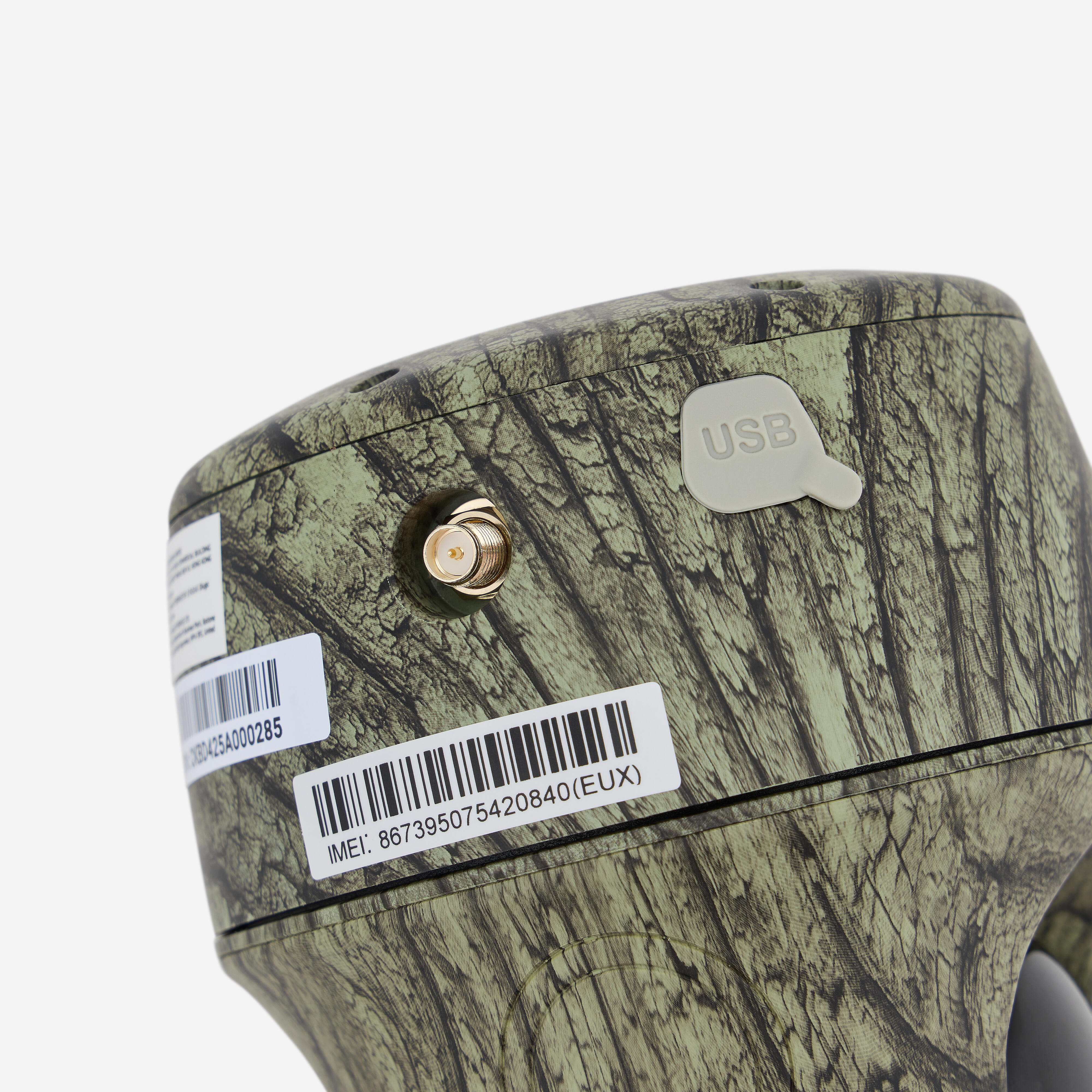
Key information you need to know
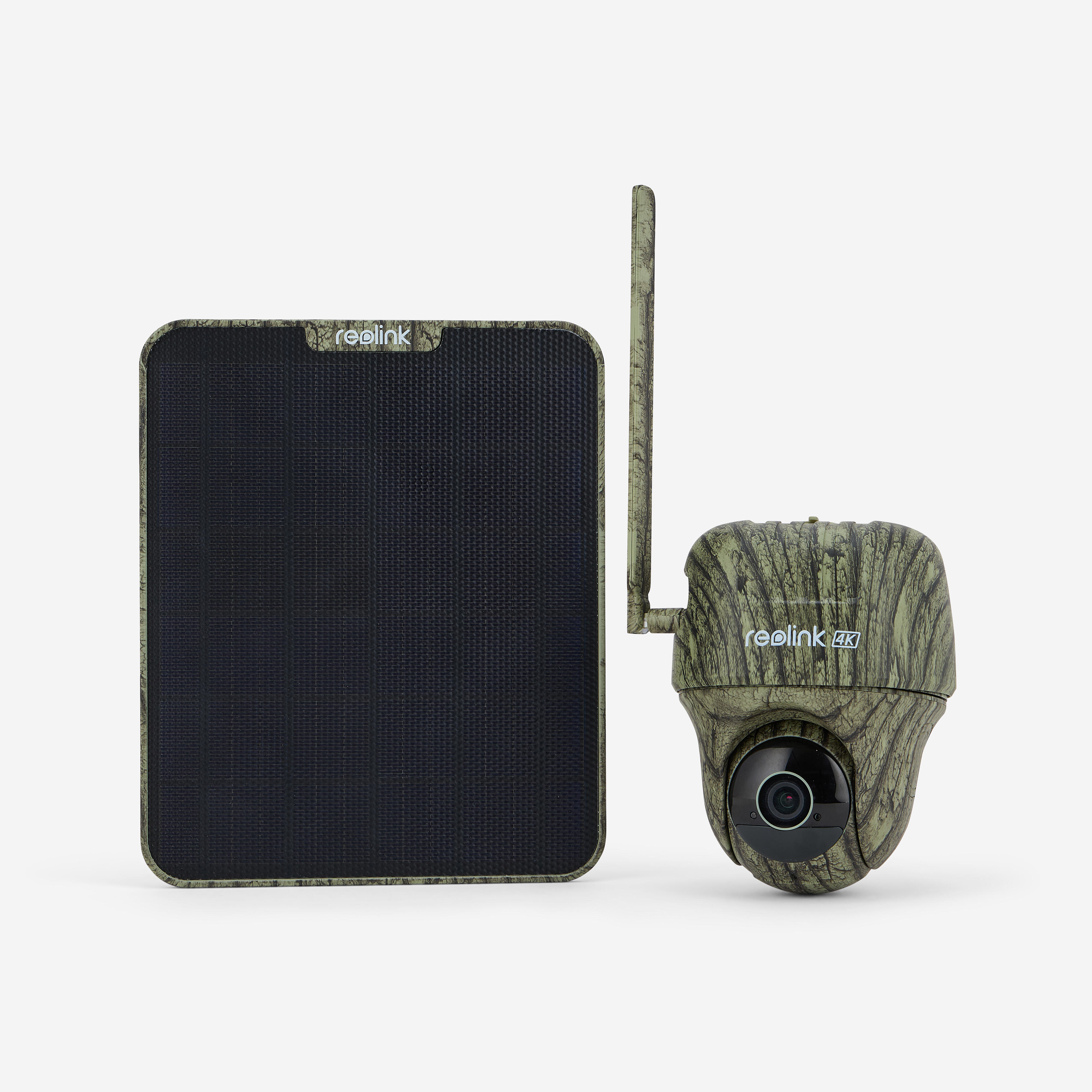
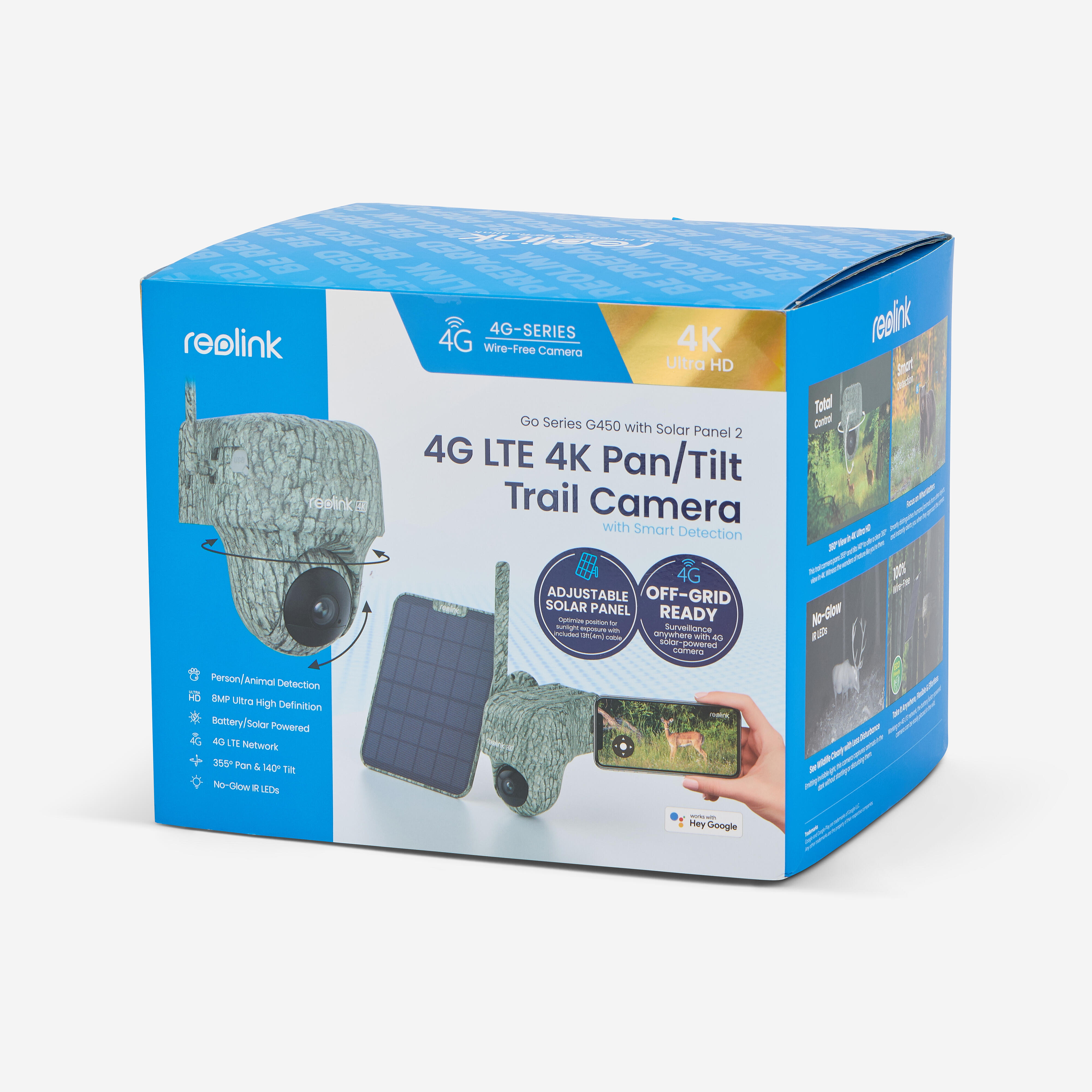
This model operates thanks to its 4G LTE connectivity, independent of any Wi-Fi network. It has a 360° rotating head and a 90° vertical head. It is waterproof (standard IP65) and has infrared night vision for continuous surveillance by day and at night. For long periods of observation, power is supplied by a solar panel. It can also be powered by a rechargeable 6,000 mAh battery. Instant transmission of visuals to your phone.
Technical specifications (part 1/4)
Video and Audio
-image sensor: 1/3" CMOS sensor
-resolution: 3,840X2160 (8 megapixels ultra-high definition) @15 fps
-Video compression: H.264/H.265
-field of vision: diagonal 110°/horizontal 90°/vertical 47°
- infrared night vision: up to 10 metres (33 feet); LED: 8 parts/1.2
- frame rate: main stream 10 fps - 15 fps (default: 15 fps)
-triggering: 0.5 s
-code rate: main stream 1,024 Kbps - 4,096 Kbps (default 2,048 Kbps)
- two-way audio
Technical specifications (part 2/4)
Power supply
-battery: 6,000 mAh rechargeable battery (battery life varies according to
the settings, use and temperature)
-solar: Reolink solar panel 2 (6 W)
Interface
-power supply port: type-C USB port
- SD card slot: maximum 128 GB microSD card
-SIM card slot: nano
-reset button: yes
-audio input/output: built-in microphone and speaker
Technical specifications (part 3/4)
Pan and tilt
-angle PT (max.) : pan 355°/tilt 140°
-pre-set points: 1 guard position and up to 64 pre-set positions
3G/4G
-frequency bands: Europe LTE FDD: B1/B3/B7/B8/B28A - WCDMA: B1/B8
Software
-supported operating systems: PC: Windows, Mac OS; Smartphone: iOS, Android
-protocols and standards: SSL, TCP/IP, UDP, UPNP, SMTP, NTP, P2P
-user access: max. 12 simultaneous streams (2 main streams and 10 secondary streams)
Technical specifications (part 4/4)
Other features
-Smart alarm: PIR detection; people detection; vehicle detection; animal detection;
-PIR detection distance: adjustable, up to 10 m (33 ft)
-PIR detection angle: 120° horizontally
-recording modes: triggered recording (Video/Image/Video & Image)
-fast forward: yes
-compatibility with: Google Assistant
-storage cloud: Reolink Cloud (available in some countries)
Weight (including battery): 496 grams
Pack contents
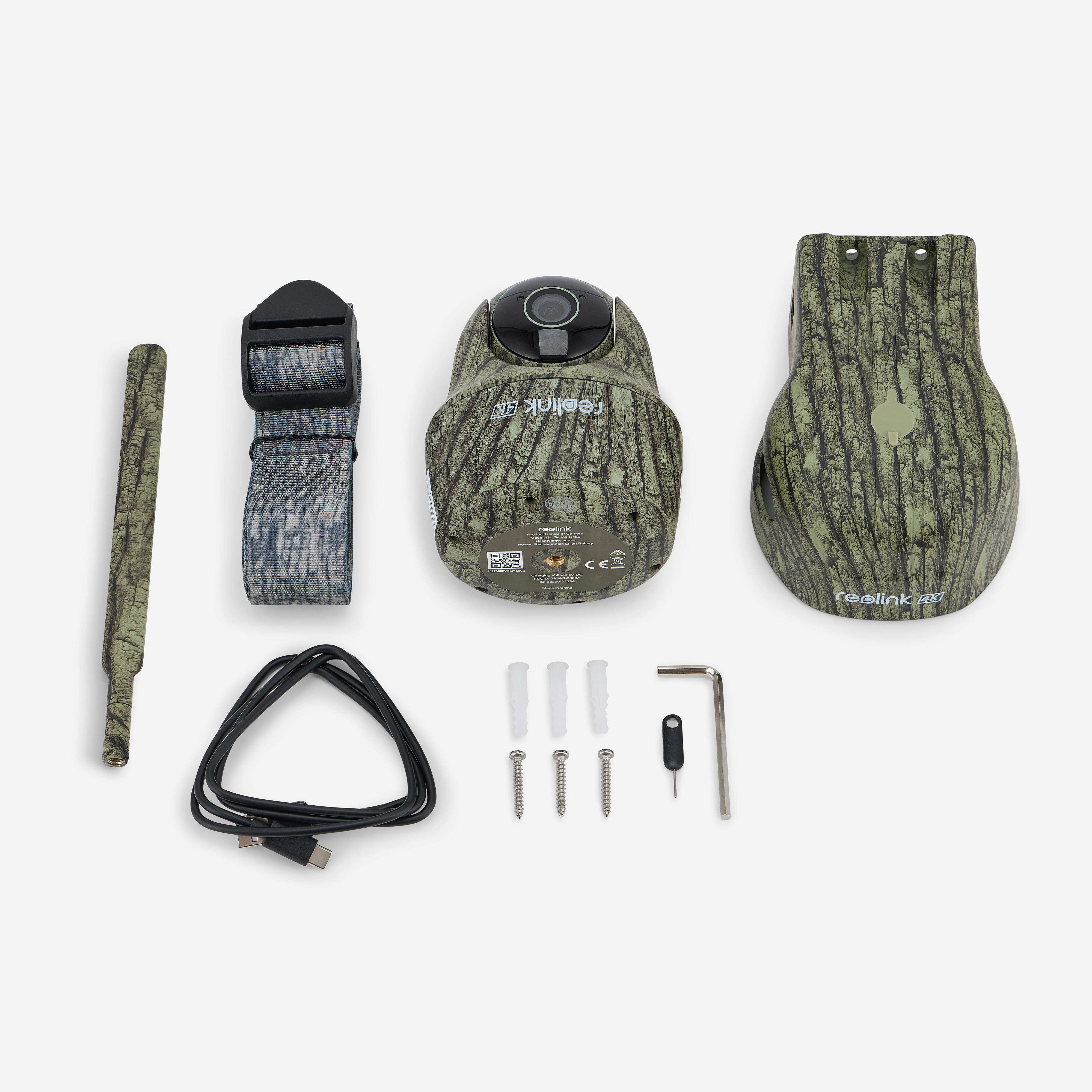
The box includes:
-the camera
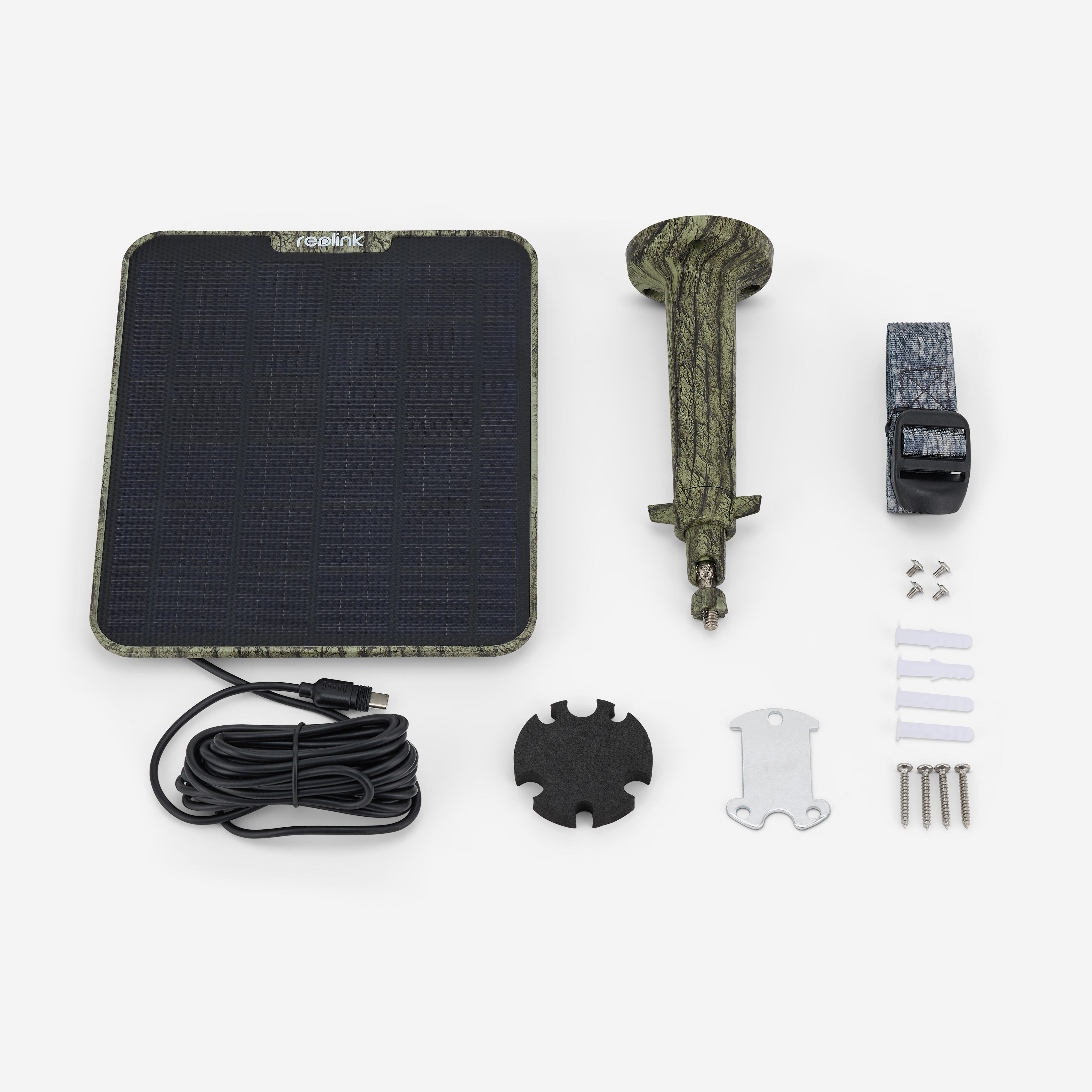
-the solar panel
-a bracket
-a pack of screws
-the mounting hole gauge
-a strap
-a mounting plate
-a USB-C to micro USB cable
How do I install the solar panel using the screws? (part 1 of 2)
1/Make sure you choose a location with the most sunlight all year round for your solar panel. The Reolink needs a few hours of direct sunlight to provide sufficient power for the camera on a daily basis. Please note that the energy that the solar panel can produce is still affected by weather conditions, seasonal changes, geographical locations, etc.
Please note: the ideal angle for installing the panel = local latitude + 5°.
How do I install the solar panel using the screws? (part 2 of 2)
2/Mount the bracket using the mounting gauge and screws supplied in the pack.
3/Fix the solar panel in the bracket and make sure it is secure.
4/Loosen the adjustment button on the bracket and adjust the angle of the solar panel so that it receives direct sunlight, then tighten the adjustment button to secure your solar panel.
5/Connect the solar panel to the camera.
Please note: make sure the USB-C connector is fully plugged in for watertightness.
How do I install the solar panel using the strap? (part 1 of 2)
If you want to attach the solar panel to a tree, we recommend using the strap.
1/Place the strap at the bottom of the bracket. Attach it to the mounting plate and secure it with screws. Attach the support to the tree and fasten the strap.
2/Insert the solar panel into the bracket, adjust the solar panel and connect it to the camera (you can refer to steps 3 to 5 in "How to install the solar panel with screws").
Important notes
Make sure there are no obstacles on the solar panel. The efficiency of energy collection decreases drastically, even when a small part of the solar panel is obstructed.
Wipe the panel regularly to remove any dust or debris.
Charge the batteries at a temperature between 0°C and 45°C (32-113°F). Below 0°C (32°F), the panel will not charge the camera.
Do not install the solar panel completely horizontally.
Troubleshooting
If your solar panel can no longer charge the camera, try the following:
-disconnect and reconnect the charging cable; make sure that the connection between the solar panel and the camera is stable
-check that your Reolink Solar panel faces the sun and is not obstructed by trees, buildings or other obstacles
-make sure that your camera does not operate in temperatures below 0°C (32°F) or above 45°C (113°F)
Download the Reolink application.
1/Install the Reolink application from App Store or Google Play.
2/While the application is downloading, insert the SIM card and switch on the camera. Notes:
-there is no power switch for cameras with a removable battery
-if you cannot find the button, scan the QR Code in the manual for detailed instructions
3/Press the + button in the Reolink application and select the camera. Follow the instructions for configuration.