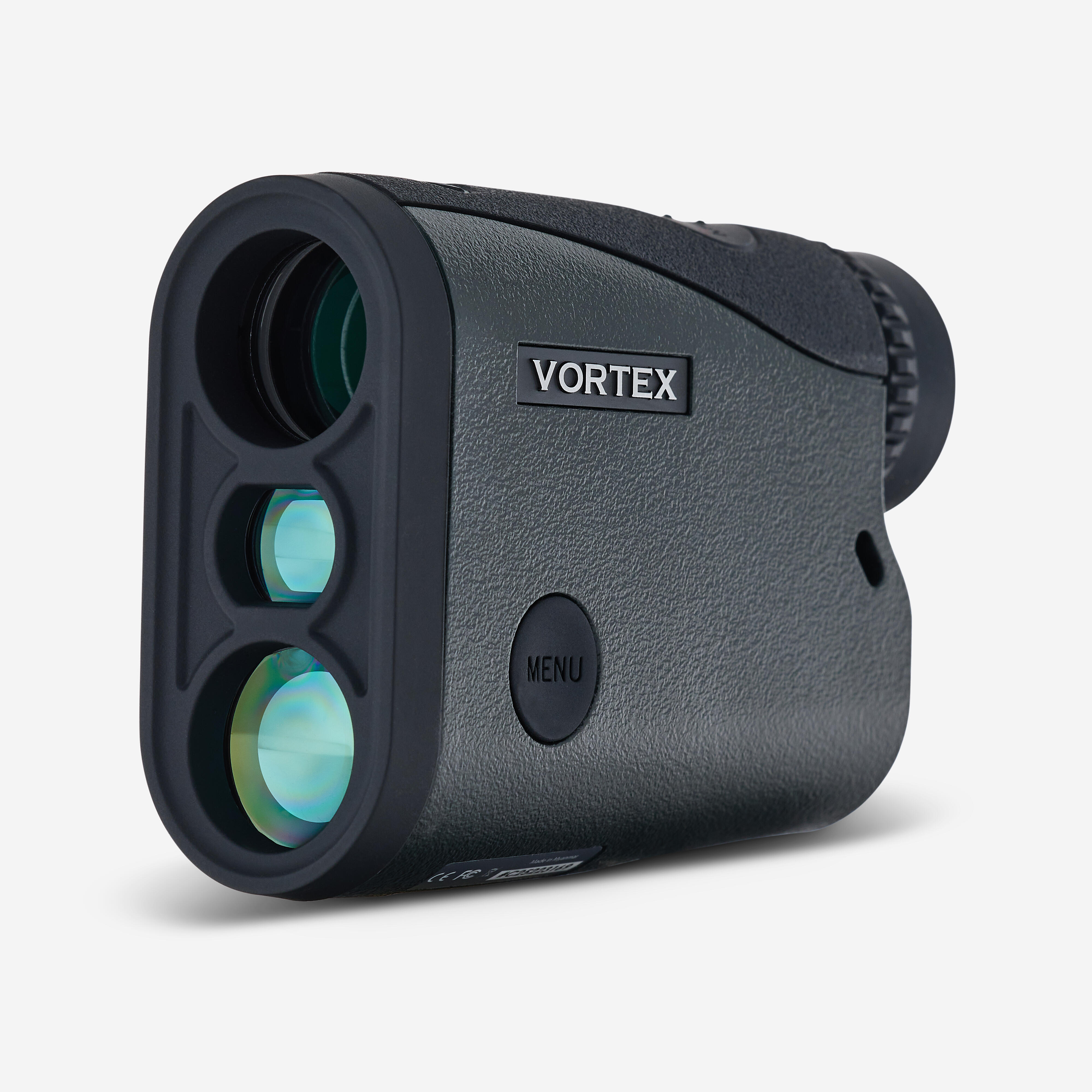
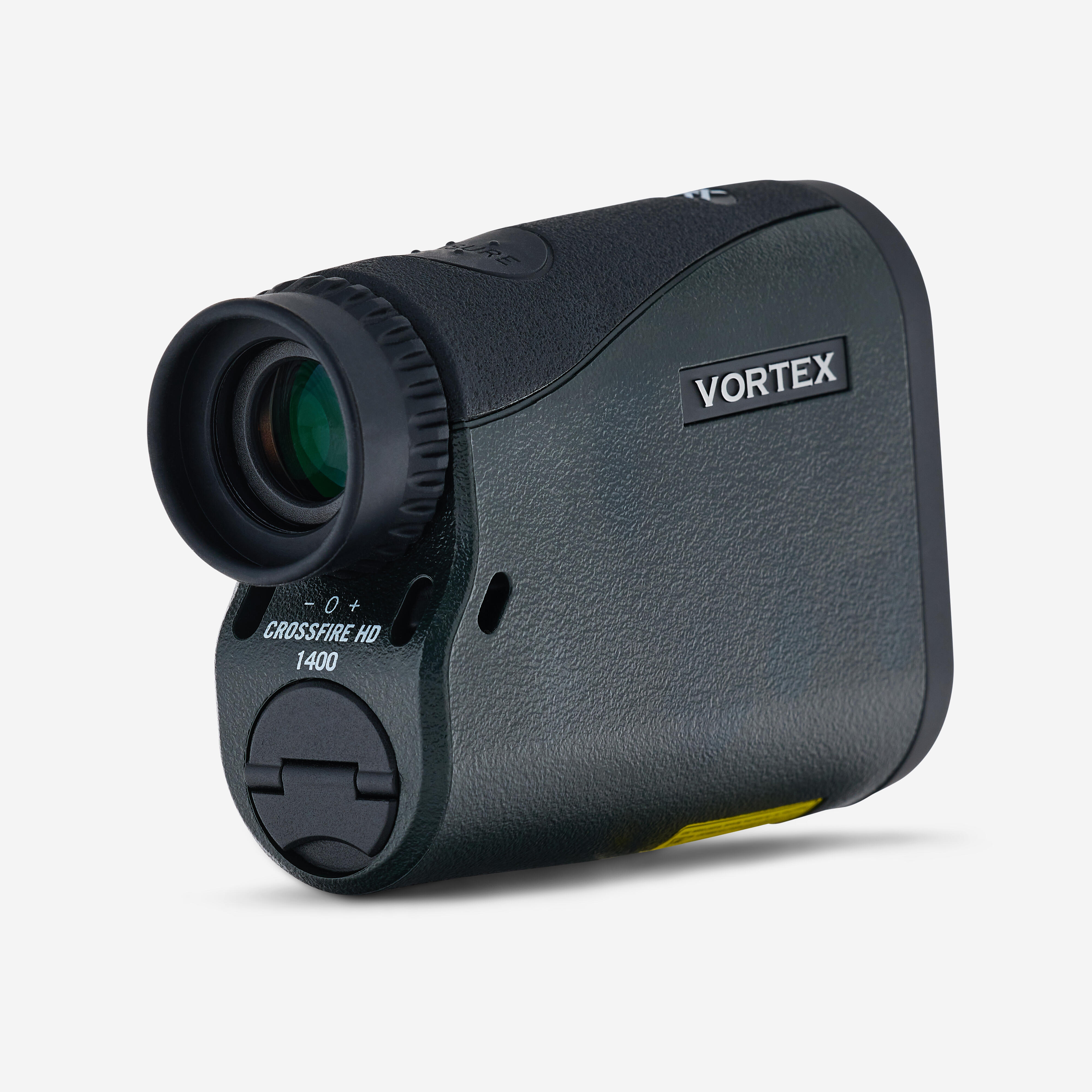
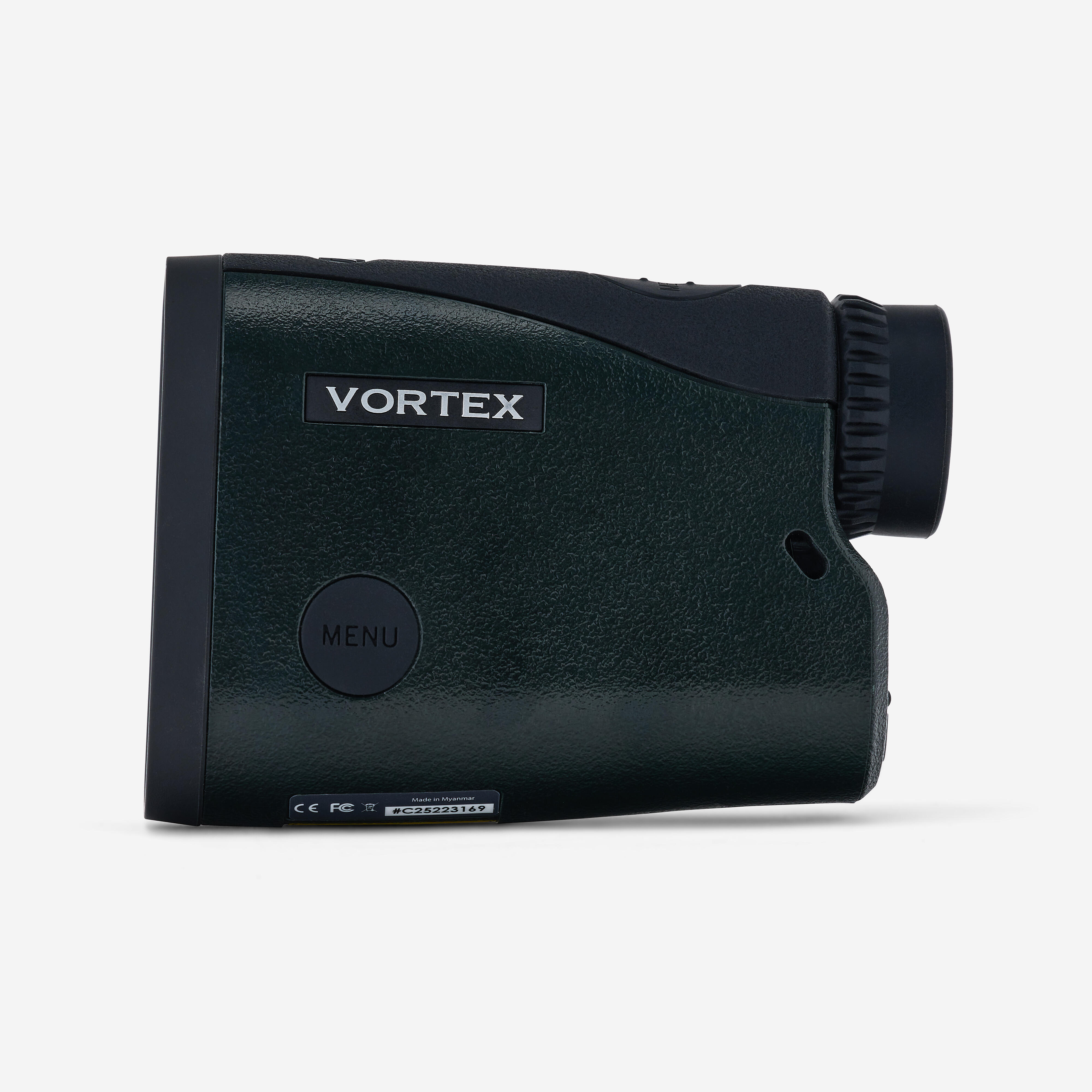
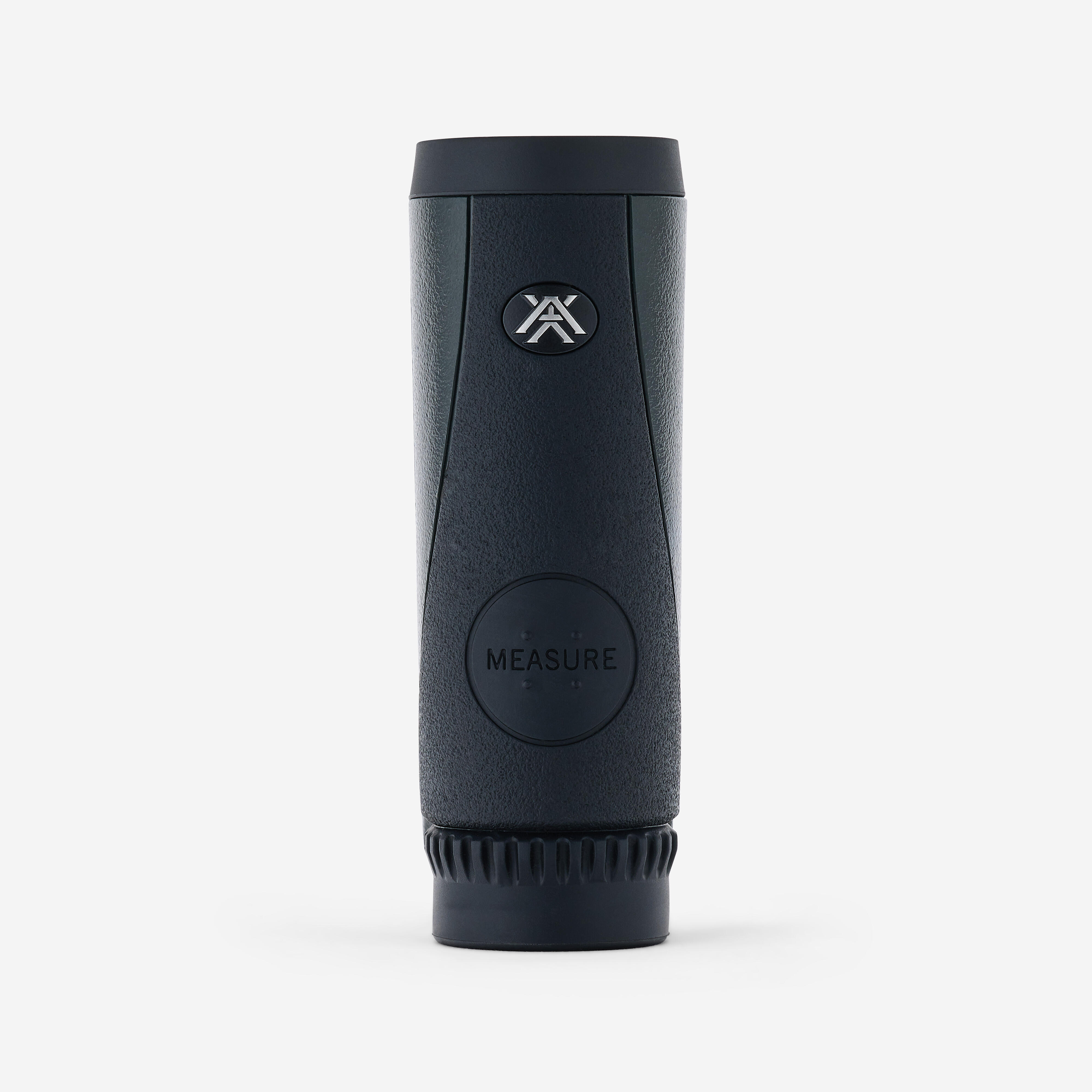
Features of this rangefinder
Magnification: x5
Lens diameter: 21 mm
Reticle: HCD corrected Shoot-To Range
Eye relief: 16 mm
Angular field of vision: 7º
Linear field of vision: 367’ to 1000 yds (914 metres)
Max range: up to 1400 yds (1280 metres)
Shaft reach: up to 950 yds (868 metres)
Range on animal: up to 750 yds (685 metres)
Minimum range: 5 yds (4.5 metres)
Maximum reading angle: +/- 89°
Water tightness: withstands harsh weather conditions
Contents
Pack contains:
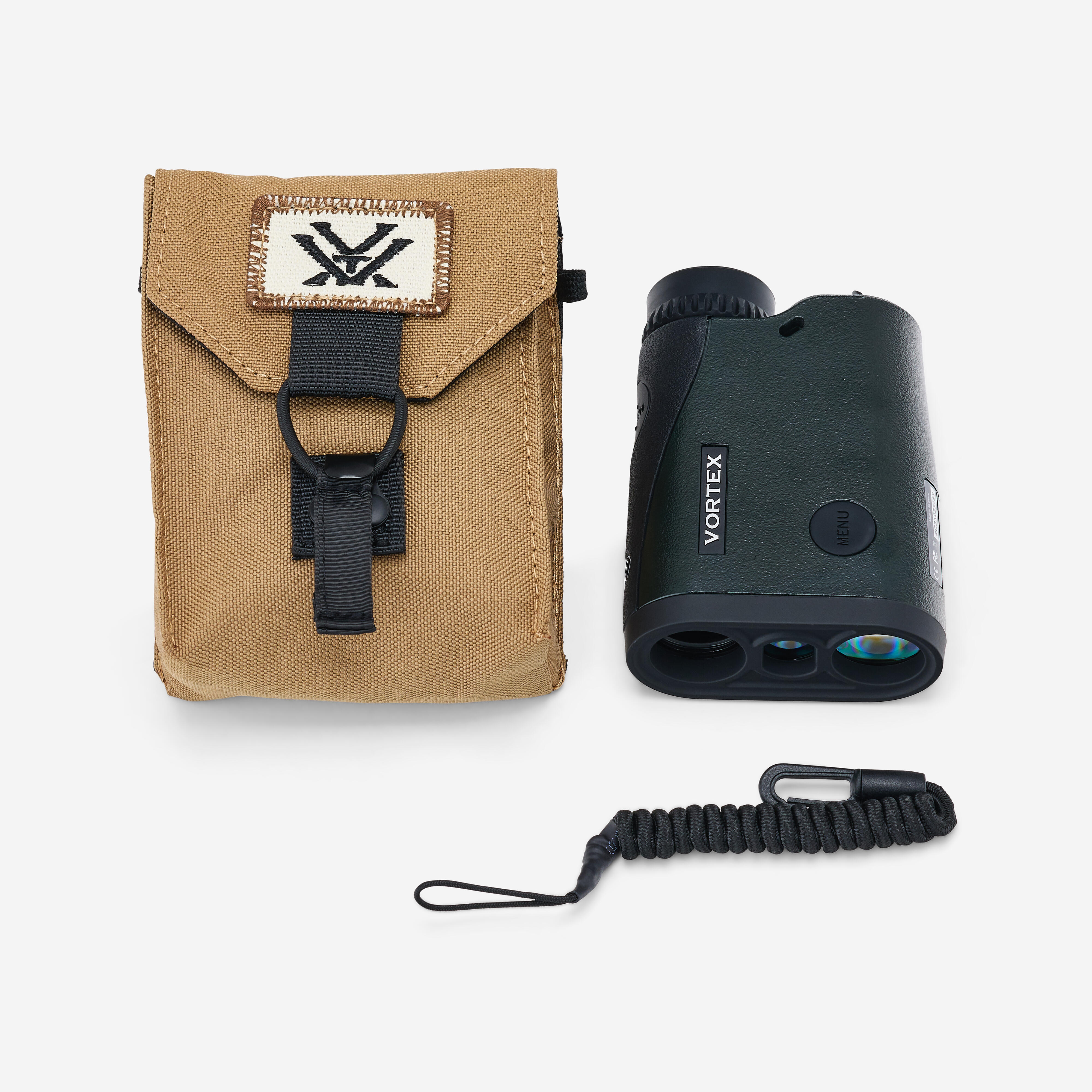
-the rangefinder
-an instruction manual
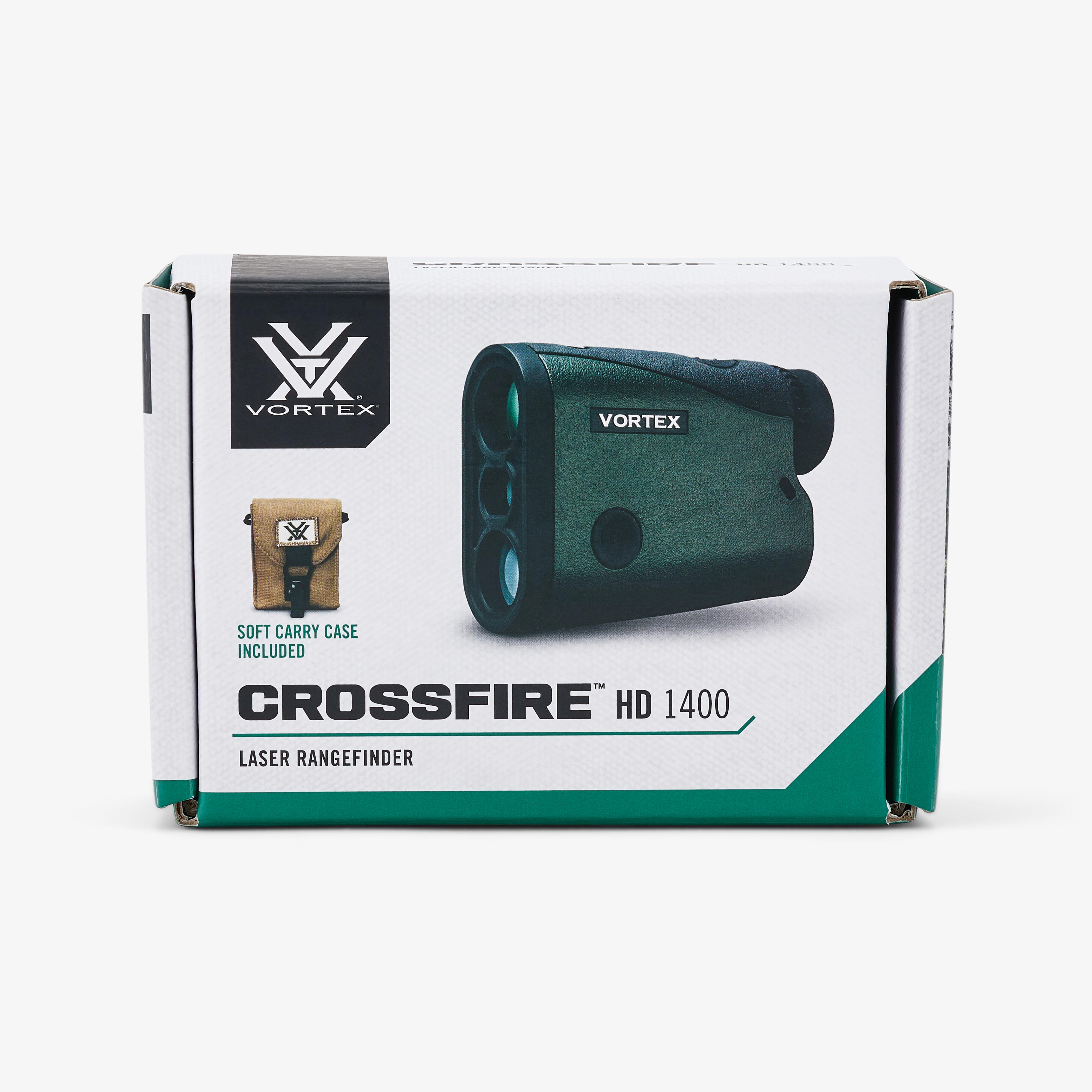
-a soft carrying/storage case
-a wrist strap
-a lens cloth
-an elastic cord
-a CR2 battery
Basic operation (part 1/3)
Battery installation and replacement:
To insert a new battery, lift the tab on the battery compartment cover at the bottom of the device and unscrew it anticlockwise to remove it. Insert a CR2 battery with the positive (+) pole facing outwards. Replace the battery compartment cover and make sure it is firmly closed.
Basic operation (part 2/3)
Switching on:
Once the battery is installed, the rangefinder is ready to use. To switch it on, press and release the “Measure” button. The HCD or LOS rangefinder screen appears.
Please note: the Crossfire HD 1400 will automatically switch off after 20 seconds if no button is pressed.
Low battery icon:
It is displayed when the battery reaches 25% of its capacity and remains lit until the device is completely discharged.
Basic operation (part 3/3)
Focus:
Adjust the diopter until the image is sharp. We also recommend that you note this dioptre setting on the eyepiece in case you need to adjust it again.
Attaching the hand strap:
The hand strap allows you to carry your rangefinder in complete safety. You can slide it left or right using the holes just above the battery compartment.
Mode selection (part 1/2)
Basic settings on the Crossfire HD 1400:
The default setting for this laser rangefinder is:
-angle-compensated HCD mode
-normal target mode
-brightness level 3 (5 levels available in total)
-default automatic shutdown after 20 seconds
-and display in yards
Mode selection (part 2/2)
To change modes:
Press the “Measure” button to switch on the device. To change modes, hold down the “Menu” button until the mode selection screen appears (about 2 seconds). Scroll through the mode options by clicking on the “Menu” button. To save your settings and exit the mode selection screen, press and hold the “Menu” button for at least two seconds.
HCD mode
HCD = horizontal distance display
Use HCD (Horizontal Component Distance) mode in the following situations:
- rifle shooting on flat terrain at any distance
- rifle shooting at distances of up to 800 yards (730 metres) with gentle slopes (less than 15 degrees)
- rifle shooting at distances of up to 400 yards (365 metres) with moderate slopes (15 to 30 degrees)
- for all archery shooting
LOS mode
LOS = Line of Sight
The LOS (Line of Sight) mode is intended for rifle shooters who use slope correction ballistic data cards, ballistic applications for mobile phones or other devices equipped with ballistic programs and who shoot at distances greater than 500 metres with slopes greater than 15 degrees.
Rangefinder maintenance/cleaning
The HD 1400 requires little maintenance apart from periodic cleaning of the lenses. Make sure you use products specially designed for treated optical lenses. Make sure you remove all traces of dust or dirt from the lenses before wiping the surfaces. Your breath, or a small amount of water or pure alcohol, can help remove stubborn dried-on water stains.